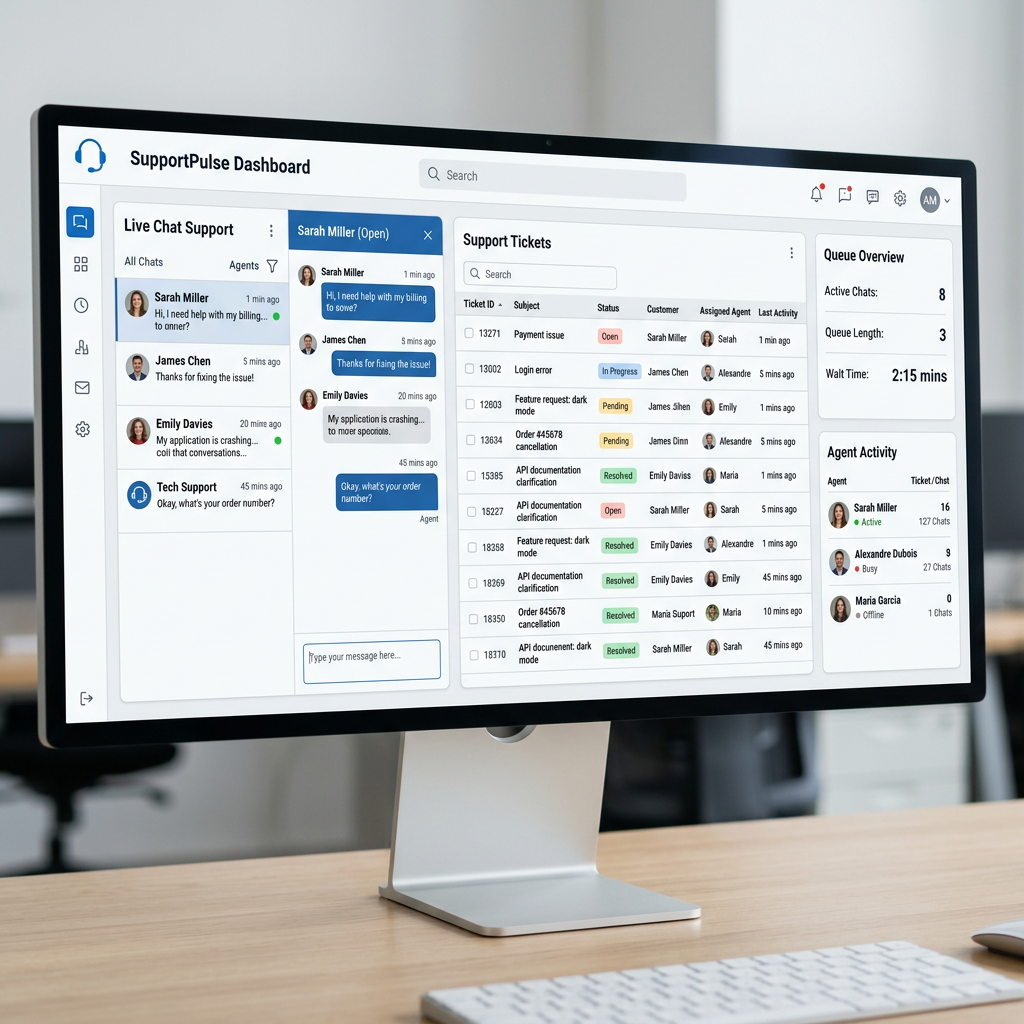
Adding real customer support goes way beyond a basic contact form. A good system lets visitors chat live, search help articles, submit tickets, and get fast answers. This builds trust, reduces support emails, and often increases conversions. Here are the strongest customer support options in 2026 for Ghost sites, with clear details on pricing, features, and easy setup.
1. Tawk.to – Best completely free option
Tawk.to gives you unlimited live chat, ticketing, visitor monitoring, and a knowledge base at no cost for the core features.
- Pricing: Free forever for basics. Optional paid add-ons (like removing branding) start around $29/month.
- Free version: Extremely generous — no limits on agents or conversations.
- SaaS chat widget: Clean, fast, and fully customizable.
- Ghost Setup: Paste the JavaScript code into Settings > Code Injection > Footer.
- Best for: Small businesses, blogs, or anyone who wants quality support without spending money. → Get Tawk.to
2. Tidio – Smart AI for small teams
Tidio combines live chat with its Lyro AI that automatically answers common questions.
- Pricing: Free plan with limited conversations. Paid plans start around $24–29/month.
- Free version: Good for testing and light use.
- SaaS chat widget: Modern and mobile-friendly with automation rules.
- Ghost Setup: Add the widget script via Settings > Code Injection > Footer.
- Best for: Sites that want AI assistance without high costs. → Try Tidio
3. Help Scout – Excellent for thoughtful, email-first support
Help Scout uses a shared inbox combined with its Beacon widget for live chat. It includes a clean knowledge base and focuses on personal, high-quality support.
- Pricing: Free plan available with limits. Standard plan around $25–55 per user/month.
- Free version: Solid starting point with the Beacon widget.
- SaaS chat widget: Beacon combines chat, FAQs, and messaging in one friendly interface.
- Ghost Setup: Paste the Beacon code into Settings > Code Injection > Footer.
- Best for: Teams that prefer quality conversations over high-volume ticketing. → Try Help Scout
4. Crisp – Clean and affordable for growing teams
Crisp offers a unified inbox for chat, email, and other channels, plus AI tools and strong mobile apps.
- Pricing: Free for up to 2 agents. Paid plans start around $45/month.
- Free version: Useful for solo users or small tests.
- SaaS chat widget: Highly customizable with great performance.
- Ghost Setup: Add the script through Settings > Code Injection > Footer.
- Best for: Teams wanting everything in one modern workspace. → Get Crisp
5. Freshchat (by Freshworks) – Strong messaging with room to grow
Freshchat provides live chat, bots, and easy upgrades to full ticketing.
- Pricing: Free plan available. Paid plans start around $15–19 per agent/month.
- Free version: Yes, with usage limits.
- SaaS chat widget: Powerful chatbot builder included.
- Ghost Setup: Insert the JavaScript code in Settings > Code Injection > Footer.
- Best for: Businesses that may need omnichannel support later. → Try Freshchat
6. Chatwoot – Best open-source / self-hosted option
Chatwoot is a complete open-source platform for live chat, email, and more. You can host it yourself or use their cloud version.
- Pricing: Community edition is free. Cloud hosting starts around $19 per agent/month.
- Open source: Yes (full MIT license) for maximum control and privacy.
- SaaS chat widget: Modern and flexible.
- Ghost Setup: Use the embed code in Settings > Code Injection > Footer.
- Best for: Tech-savvy users or privacy-focused sites. → Learn about Chatwoot
7. Gorgias – Best for e-commerce stores
Gorgias connects directly to your store data (orders, shipping, etc.) so agents can resolve issues faster.
- Pricing: Starts around $10–60/month depending on volume. AI features add extra costs.
- Free version: Trial available.
- SaaS chat widget: Deeply integrated with customer context.
- Ghost Setup: Paste the widget script into Settings > Code Injection > Footer.
- Best for: Online stores that want contextual, efficient support. → Try Gorgias
8. Premium enterprise options
- LiveChat: Reliable and polished. Starts around $19–25 per agent/month.
- Zendesk: Full-featured suite with strong AI. From ~$55 per agent/month.
- Intercom: Conversational AI focus. Starts around $29+/seat plus usage fees.
These are mature platforms ideal for larger or scaling Ghost sites.
Quick Setup Tips for Ghost
Go to Settings > Code Injection in your Ghost admin. Most tools provide a JavaScript snippet — simply paste it into the Footer section and save. The widget will appear across your entire site. Always test on a staging site first.
Final Thoughts
Start with a free or low-cost tool like Tawk.to or Help Scout’s Beacon to see what works best for your audience. You can always upgrade to AI features, ticketing, or advanced analytics later.
The right support system feels natural on your Ghost site, saves you time, and makes your visitors happier. Good customer support is a real competitive advantage — pick one, test it, and adjust as you grow.